Excel VBA Training
Learn how to record, write, debug and improve macros, build custom functions, automate reports and support existing VBA workbooks.
Training
Practical training for individuals, analysts and business teams who want to automate Excel, improve reporting and use AI tools safely in real spreadsheet work.
Discuss training requirementsWe do not teach theory in isolation. Our training is focused on the spreadsheets, reporting problems, automation tasks and data-cleaning challenges that people face at work every day.
Learn how to record, write, debug and improve macros, build custom functions, automate reports and support existing VBA workbooks.
Learn repeatable data imports, cleansing, merging, transformation and reporting workflows using Power Query and M code.
Learn how to use ChatGPT, Claude, Copilot and other AI tools to improve Excel productivity, VBA development and reporting.
We provide practical training on how to use modern AI tools to improve Excel productivity, VBA development, Power Query solutions and business reporting.
The focus is on safe, useful adoption: where AI can help, where it needs expert checking, and how teams can avoid relying blindly on generated formulas or code.
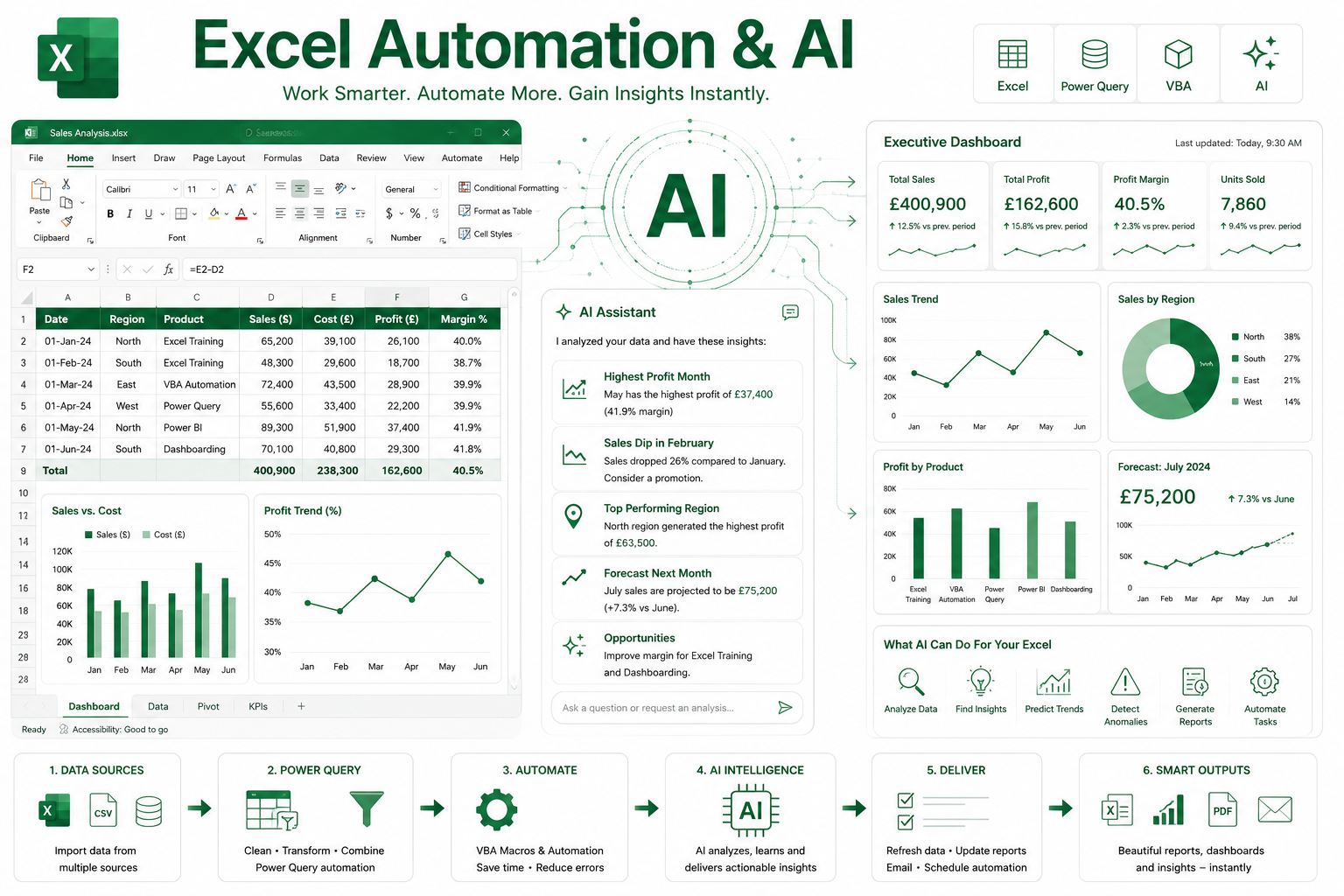
Generate VBA code, create custom Excel functions, build formulas from plain English, generate SQL queries, produce documentation and troubleshoot workbook issues.
Review large VBA projects, refactor legacy VBA code, analyse complex workbooks, improve Power Query solutions and understand spreadsheet logic.
Create formulas using natural language, generate PivotTables and charts, analyse workbook data, identify trends and improve Microsoft 365 productivity.
Explore specialist tools for formulas, VBA, spreadsheet functions, Excel-specific automation and faster spreadsheet assistance.
Use AI-assisted analysis for spreadsheet datasets, business reporting, data exploration and visualisation.
Combine AI with Excel VBA, Power Query and reporting automation while keeping testing, governance and maintainability under control.